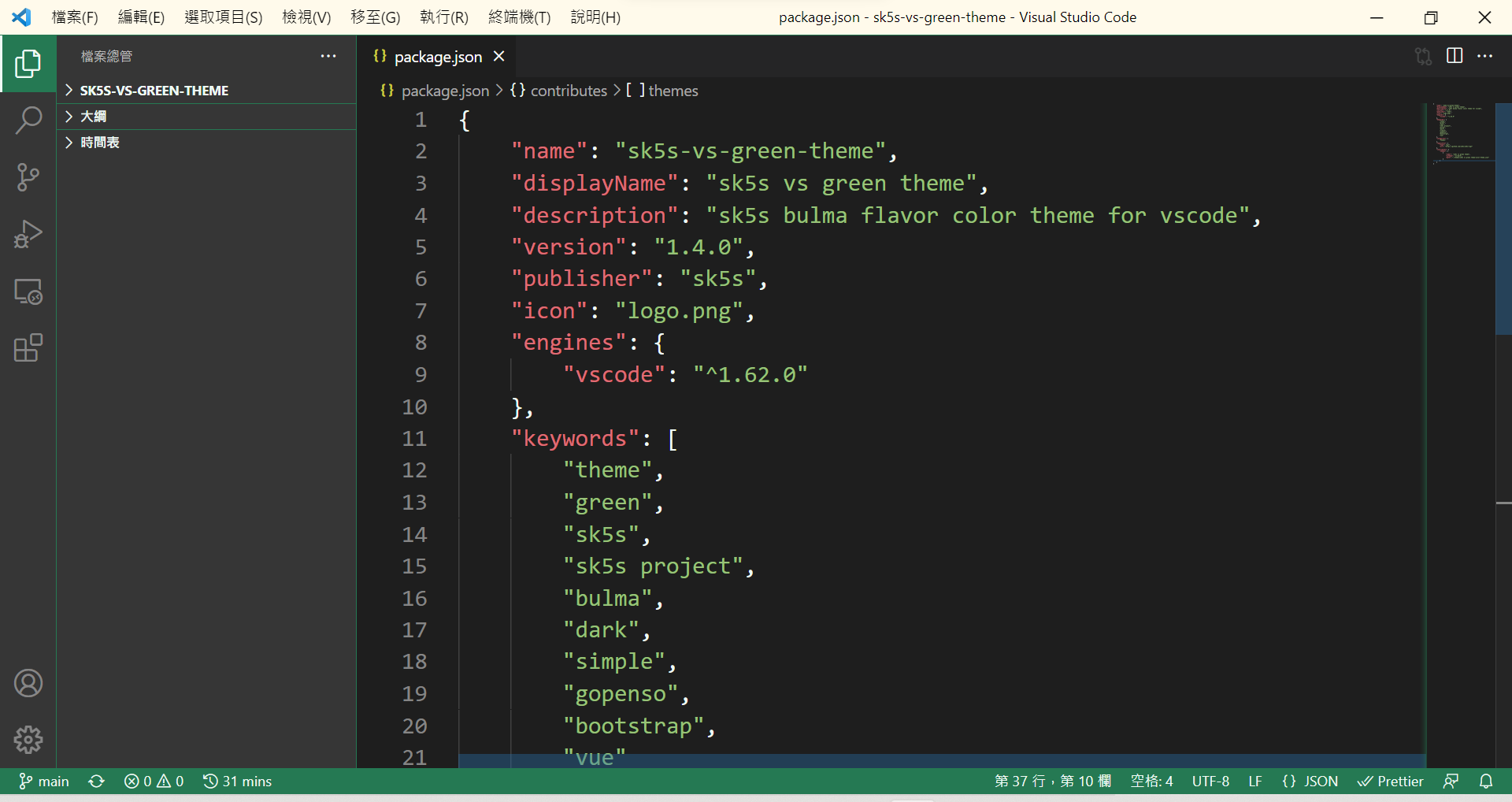
Installing 安裝主題
- Open extensions sidebar in vscode. 打開vscode延伸模組面板
- Search for
sk5s- bysk5s. 搜尋sk5s找到sk5s提供的主題 或者是
- Click Install button above. 點擊上方 Install 按鈕
- Click Install in vscode to install the theme. 按下安裝
- Click Reload to reload the your editor. 重新啟動編輯器
- Code > Preferences > Color Theme > sk5s vs green theme